PAN-OS 升级后, HA信息中的应用程序/威胁/防病毒版本未知
9182
Created On 12/07/23 05:42 AM - Last Modified 01/07/25 14:07 PM
Symptom
在HA设置中为防火墙进行 PAN-OS 升级后,应用程序/威胁/防病毒版本信息在HA信息小部件中显示未知。
Environment
- 下一代防火墙
- 泛操作系统
- HA已配置并启用
- 已为 HA1 链接启用加密
Cause
该问题是由于 PAN-OS 升级后 HA1 链路上的流量未正确加密和解密引起的。
Resolution
Please follow the below Steps to export and import the RSA key for HA key:
1. Export key on PA1:
从 GUI:
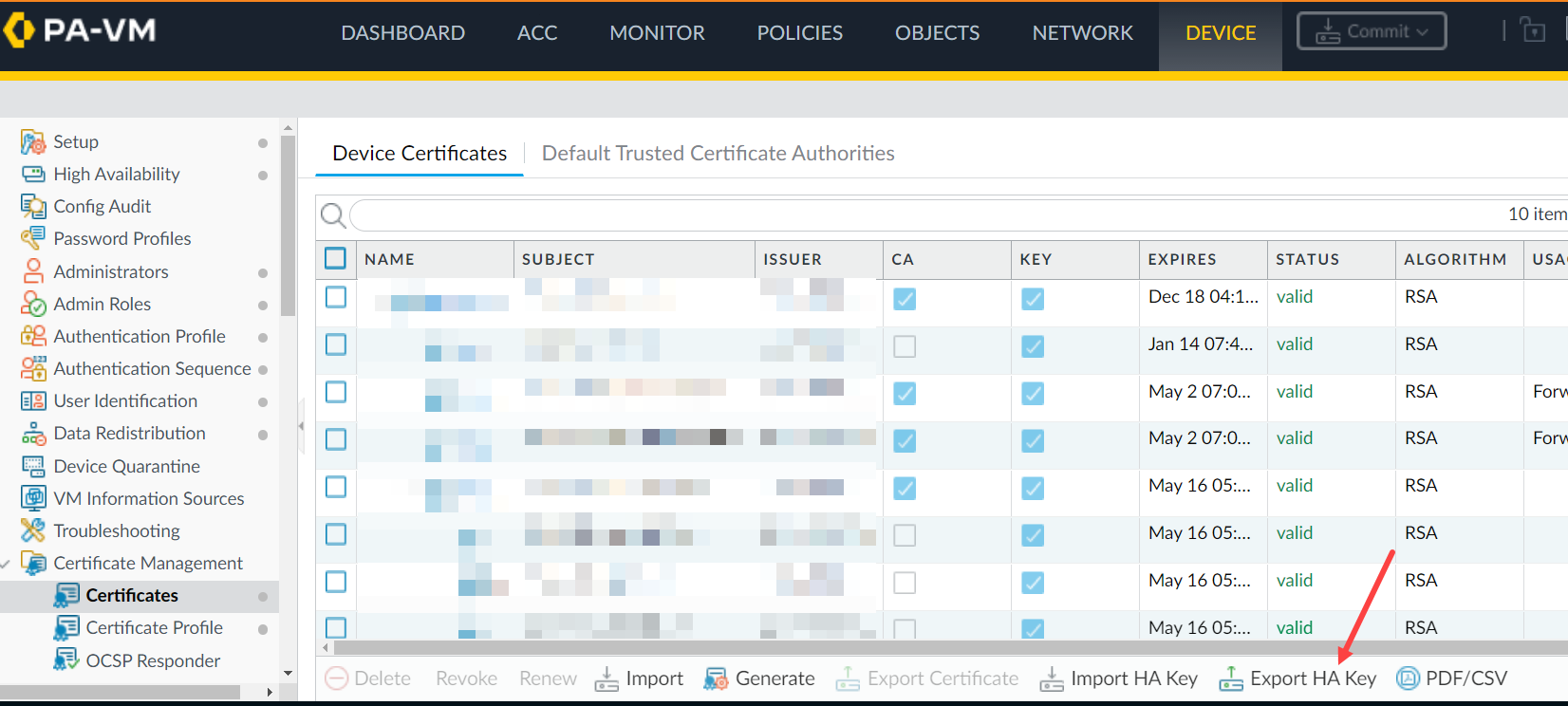
从CLI:
从CLI:
> scp export high-availability-key from HA-key-XXXXXX to user@server_ip:/directory
从 GUI:
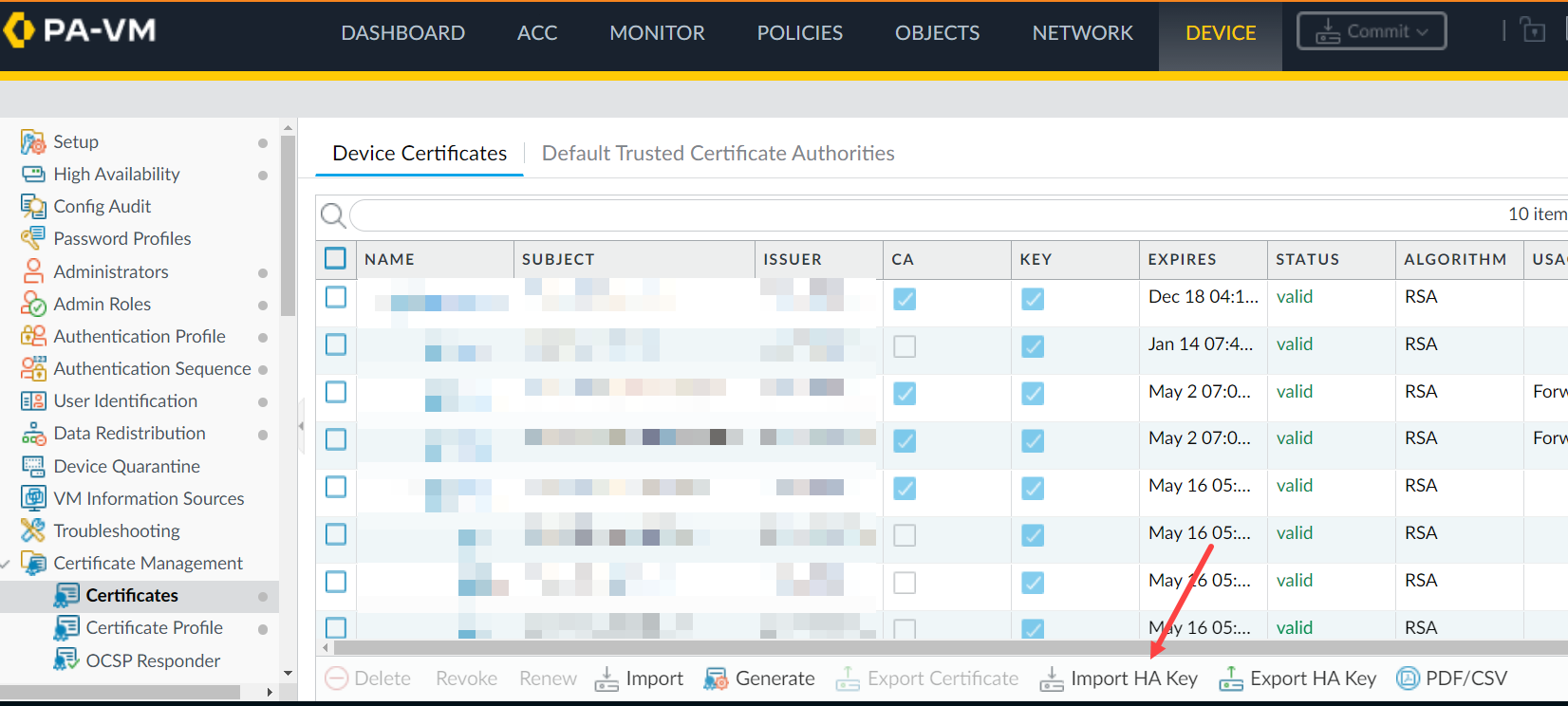
> scp import high-availability-key from user@server_ip:/directory/HA-key-XXXXXX
3. Repeat step 1 and 2 as above to export the HA key from PA2 and import it into PA1.
4. Enable the encryption and perform a commit on both devices.
5. 要完成HA节点之间的 RSA 密钥交换,请从每个节点访问CLI并通过SSH连接到对等节点。当提示安装 RSA 令牌时,请键入 yes。
For example: 1.1.1.1 < HA Peer MGT Interface IP address.
admin@PA-3050> ssh host 1.1.1.1

The authenticity of host '1.1.1.1 (1.1.1.1)' can't be established.

DSA key fingerprint is e9:de:76:fb:db:95:98:7d:c8:45:c4:83:dc:35:f1:2b.

Are you sure you want to continue connecting (yes/no)? yes   <==========

Warning: Permanently added '1.1.1.1' (DSA) to the list of known hosts.

admin@1.1.1.1's password:
Additional Information
If you have issues with the key or simply want to renew them, use the following CLI command.
Note: Please be aware that this command will cause the firewall to reboot automatically.
> debug system ssh-key-reset high-availability

Executing this command will reset the high-availability SSH keys and reboot the system. Do you want to continue? (y or n)

Broadcast message from root (Fri Mar 29 10:10:28 2013):

The system is going down for reboot NOW!
After running the command, it will be necessary to Resync the keys between the two devices by using the SCP export/import commands or through the GUI as previously explained once the device is rebooted.
To avoid the situation of split brain while enabling HA1 encryption on the firewall, please make sure the passive firewall is suspended.
In this way, enabling HA1 encryption and doing a commit on both firewalls won't result in split brain situation and HA1 encryption option is enabled on both HA pair of firewalls.
Reference KB - 如何在高可用性配置中启用 HA1 上的加密