Troubleshooting SAML SSO setup on Prisma Cloud
13275
Created On 09/28/21 15:48 PM - Last Modified 06/22/22 09:48 AM
Objective
How to Troubleshoot SAML SSO setup on Prisma Cloud
Environment
Prisma Cloud – SaaS
Procedure
SSO troubleshooting steps are as follows:
- Mandatory fields on Prisma Cloud side are set correctly
- Required fields:
- Identity Provider Issuer
- Certificate
- IF JIT is enabled, then all the fields except timezone are required as well
- Required fields:
- SSO enabled - NOTE: make sure you have at least a system admin level user in the bypass drop down before enabling.
Error -1
Cause - 1
- Issuer mismatch between Prisma Cloud SSO settings and IdP.
- Best way to solve is to get a copy of the assertion via DevTools or browser plugin like SAML Message Decoder.
- <saml:Issuer>https://ec2-3-82-156-173.compute-1.amazonaws.com/simplesaml/saml2/idp/metadata.php</saml:Issuer>
- From Prisma Cloud SSO page: https://ec2-18-206-64-139.compute-1.amazonaws.com/simplesaml/saml2/idp/metadata.php
Error -2
Cause: 2
- SSO disabled in Prisma Cloud
================================================================================
Error -3
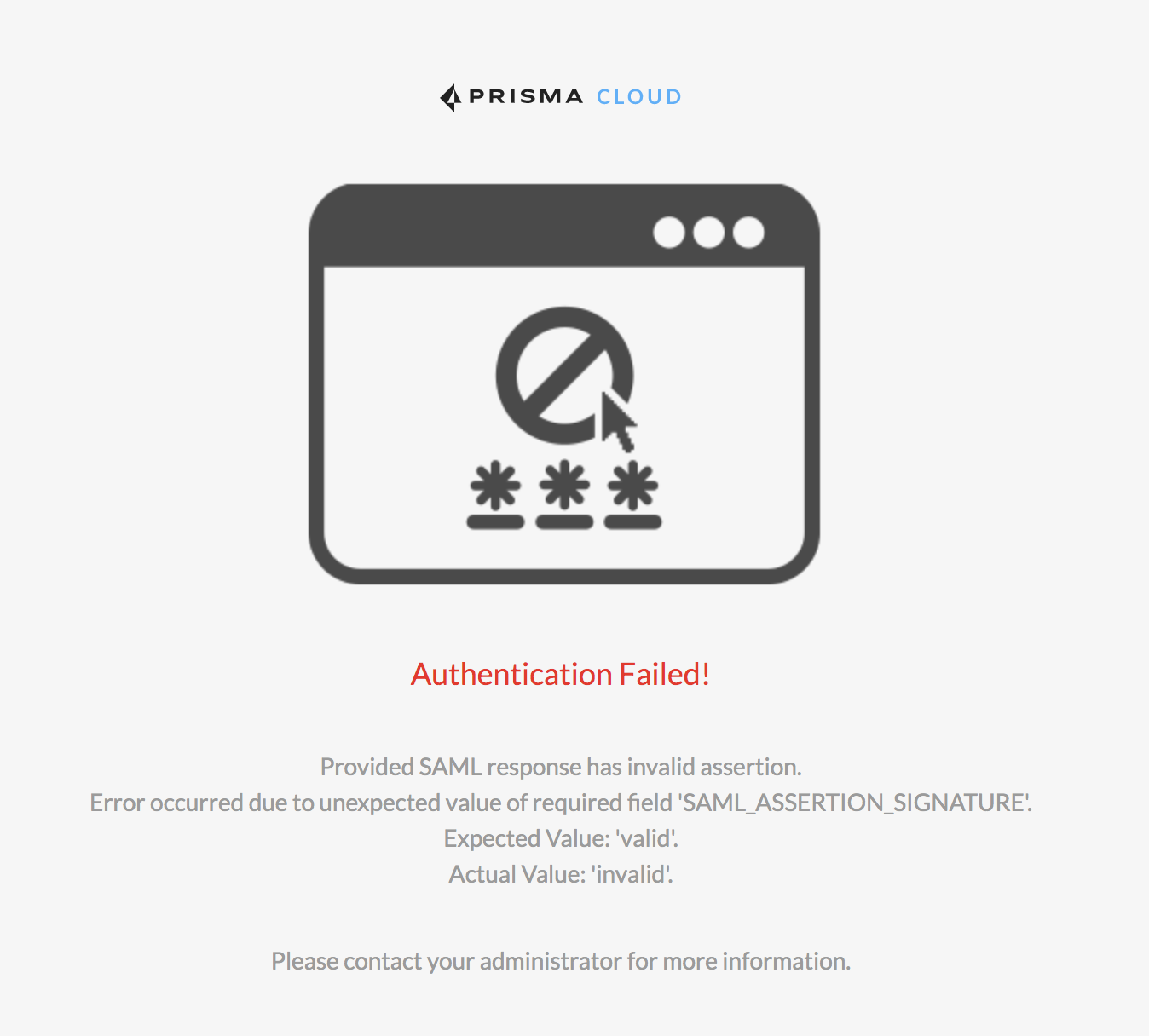
Cause: 3
Error -4
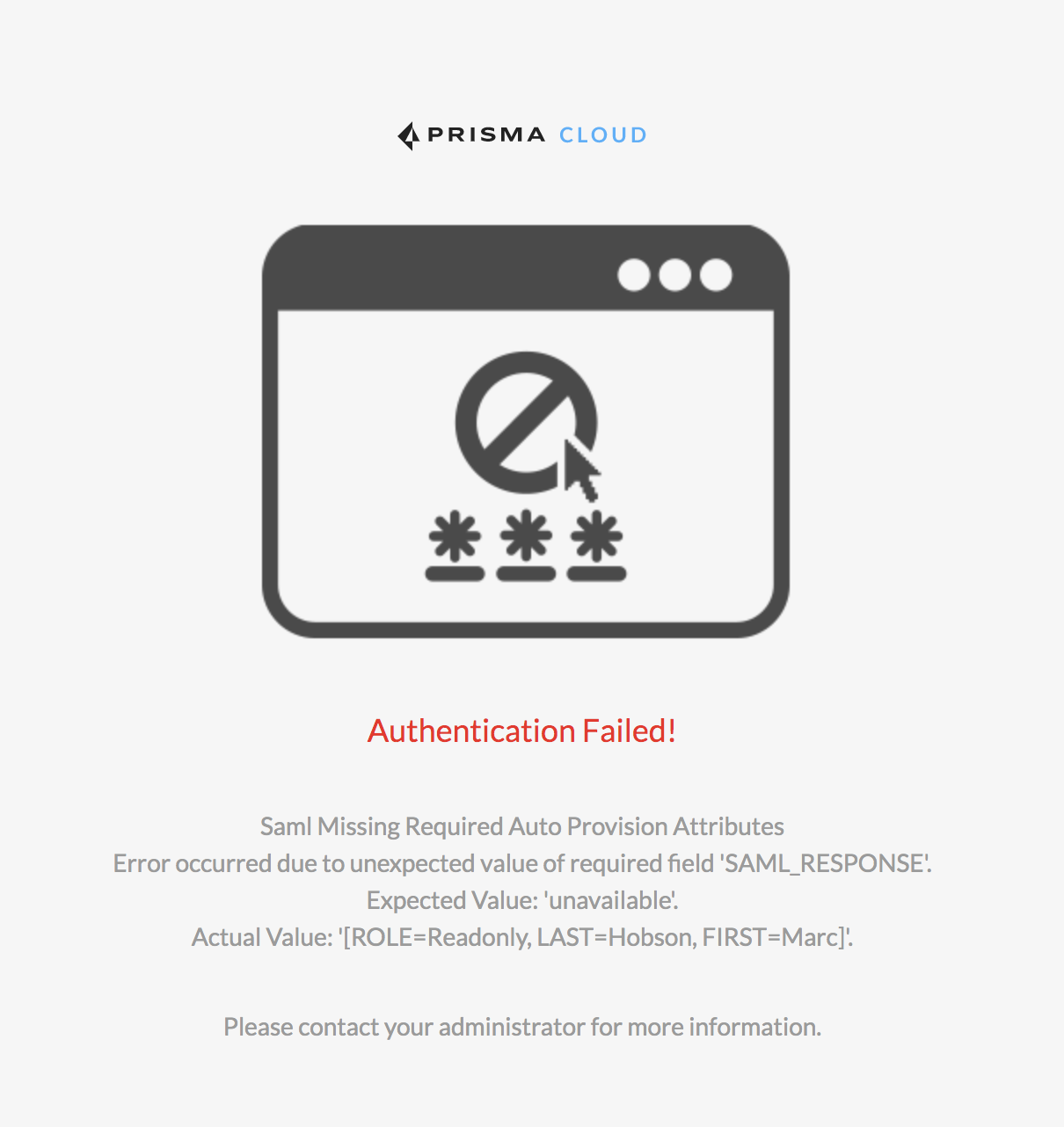
Cause: 4
Error -3
Cause: 3
- Certificate in Prisma Cloud SSO section does not match the signature being provided in assertion. The certificate is often sent in the assertion so this is a good place to validate as well.
Error -4
Cause: 4
- Missing attribute values in the assertion
- JIT attribute key mapping incorrect/mismatch