Auto-Remediation needs to be enabled to select auto remediable policies in Prisma Cloud
3130
Created On 05/08/22 20:21 PM - Last Modified 09/28/26 15:58 PM
Symptom
Prisma Cloud Does not provide Auto Remediated policies if you do not enable Auto-Remediation when setting up an Alert Rule.
Environment
- Prisma Cloud
- Alert Rule
Cause
When setting up an alert rule with Auto Remediation. You must enable Auto-Remediation.
When enabled, all applicable alerts will be auto remediated irrespective of when they were created.
Resolution
- Navigate to Alert rules on Prisma. Enable Auto-remediation (optional).
Alerts > Add Alert Rules > Add Details
- Assign your Targets (Account Groups)
Alerts > Add Alert Rules > Add Details > Assign Targets
- Policies with Auto-Remediation will display when assigning policies to your alert rule.
Alerts > Add Alert Rules > Add Details > Assign Targets > Assign Policies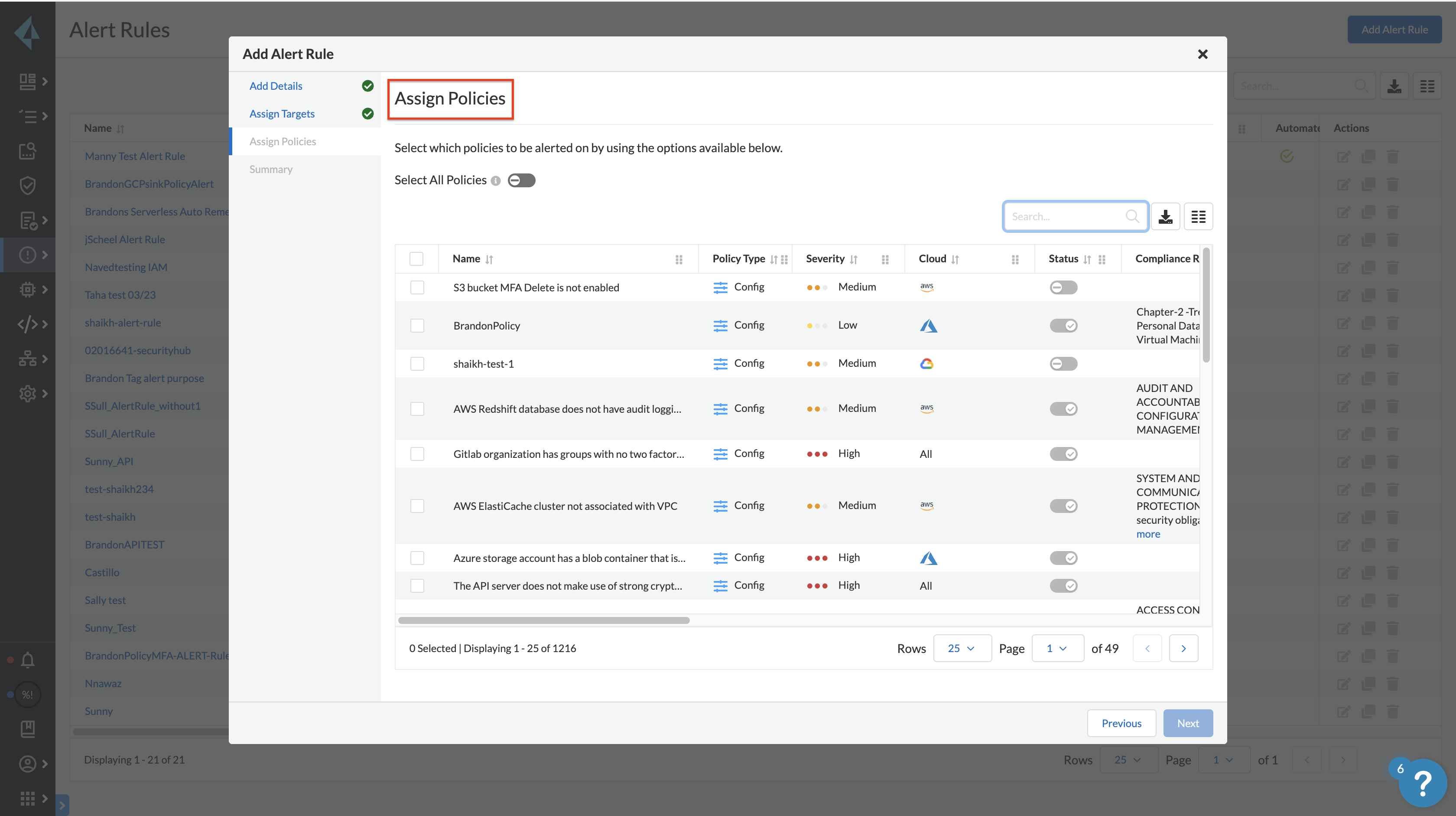
Additional Information
Please take note that there will be a difference in the amount of policies displayed when you enable Auto-Remediation
For more information on creating an Alert Rule. Please see our documentation here.