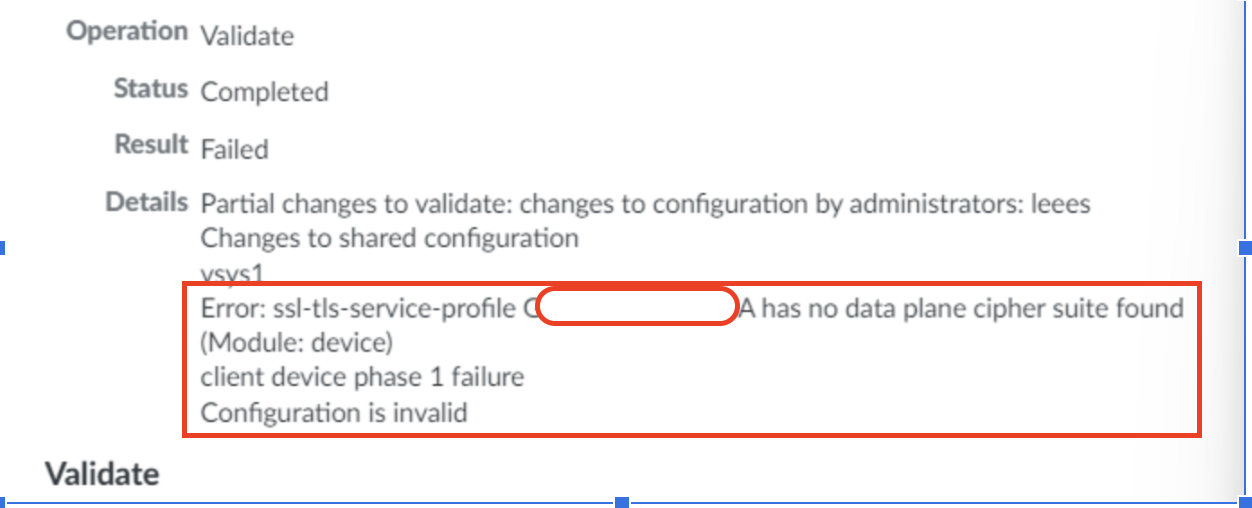
The commit fails with the error "Error: ssl-tls-service-profile profile-name has no data plane cipher suite found"
1880
Created On 12/01/23 03:09 AM - Last Modified 06/01/24 03:09 AM
Symptom
- The commit fails on a firewall with the error below.
.
- The failure started after the administrator removed some cipher types from the ssl-tls profile to remove weak cipher types using this article.
- This error is observed when the ssl-tls profile is used in the Global Protect configuration.
Environment
- Panorama managed Firewalls
- Prisma Access managed by Panorama
- Supported PAN-OS
Cause
- This happens when the administrator removes all the cipher types or removes all cipher types for one of the type (Authentication, Encryption or Key exchange)
- The Global protect configuration requires at least one of the supported cipher type each from (Authentication, Encryption or Key exchange).
- Use this document to find the supported cipher type as per the PAN-OS version.
Resolution
- Enable the required cipher types again via CLI and commit the changes to avoid the errors.
- Example commands to enable minimum cipher types for a 10.2 PanOS from Panorama.
set template template-name config shared ssl-tls-service-profile ssl-profilename protocol-settings auth-algo-sha384 yes
set template mu-tpl-ApacPATac config shared ssl-tls-service-profile CustomProfile protocol-settings enc-algo-aes-256-gcm yes
set template mu-tpl-ApacPATac config shared ssl-tls-service-profile CustomProfile protocol-settings keyxchg-algo-ecdhe yes