Managed Devices Do Not Show under Panorama Context
25516
Created On 09/26/18 13:52 PM - Last Modified 02/07/19 23:41 PM
Resolution
When the managed firewalls do not show under the Panorama Context, verify the following:
- The managed devices are "connected" in Panorama tab under Managed devices.
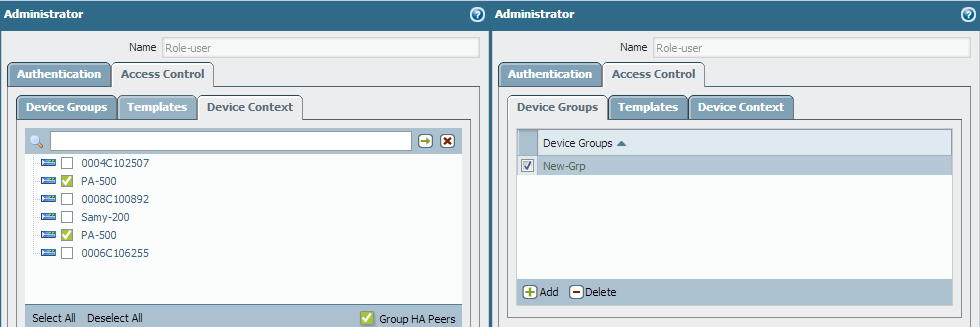
- The user is not logged in as superuser. In Admin role (for the user profile), the access provided to the user is Panorama or Device group.
Note: In PAN-OS 5.0, there is an option to select Access Control to select specific Device-groups and contexts.
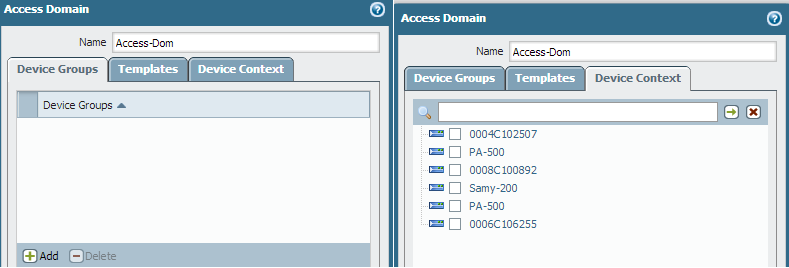
- Look for Access Domain tab under Panorama tab to enable the Device Group and Contexts, if user is using tacacs server and so on.
owner: ssunku