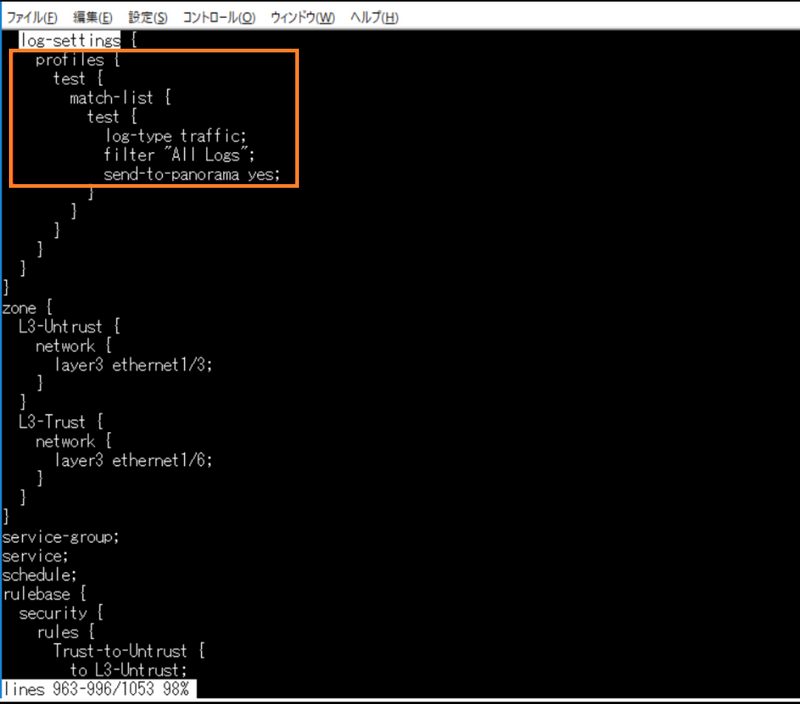
This is the result of the fix for the issue, which is the expected behavior.
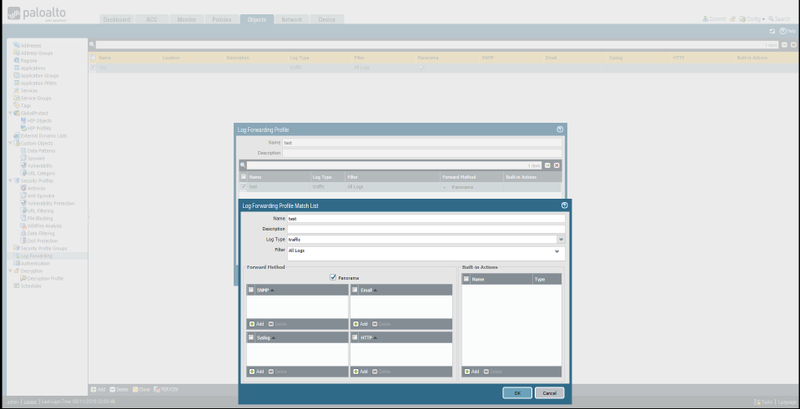
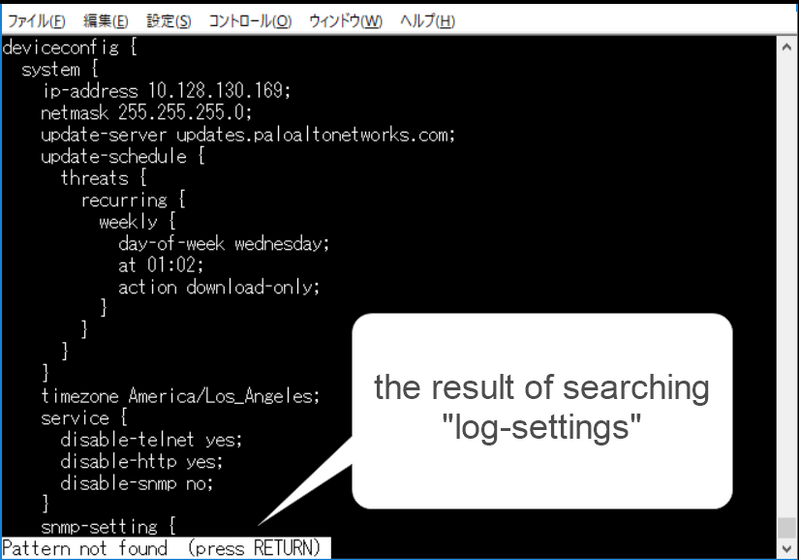
This behavior is PAN-OS 10.2.0 or later.
In earlier PAN-OS versions, the configuration IS displayed by the "show" command.
Cause
The reason for this behavior is that since the Log forwarding profile is set as the configuration of vsys 1 when using the GUI on a device that is operating with only one vsys, since the configuration does not exist within the range that can be viewed with the CLI command.
Therefore, it does not occur on devices with multi vsys enabled.
This issue does not mean that the config can not be input by GUI operation.
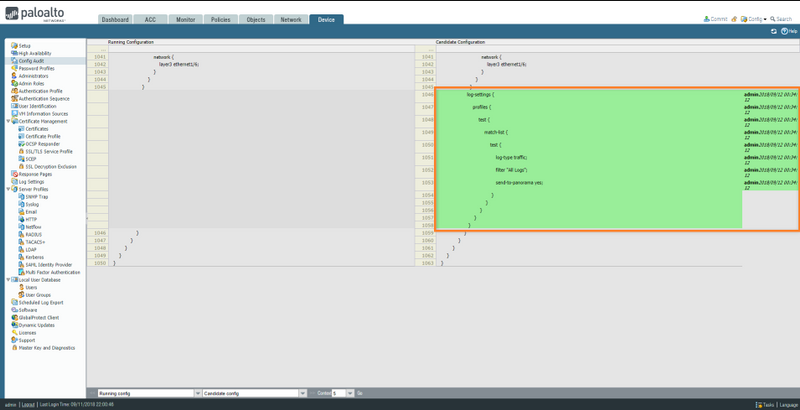
By comparing and checking config, you can see that the setting contents are reflected.
WorkAround
You can avoid this behavior by submitting the config via ssh.
The image below shows the result of submitting the following commands via ssh.
# set shared log-settings profiles test match-list test send-to-panorama yes
# set shared log-settings profiles test match-list test log-type traffic
# set shared log-settings profiles test match-list test filter "All Logs"